How to Connect to Your Business Network Securely From Anywhere

[vc_row type=”in_container” full_screen_row_position=”middle” column_margin=”default” column_direction=”default” column_direction_tablet=”default” column_direction_phone=”default” scene_position=”center” text_color=”dark” text_align=”left” row_border_radius=”none” row_border_radius_applies=”bg” overflow=”visible” overlay_strength=”0.3″ gradient_direction=”left_to_right” shape_divider_position=”bottom” bg_image_animation=”none”][vc_column column_padding=”no-extra-padding” column_padding_tablet=”inherit” column_padding_phone=”inherit” column_padding_position=”all” column_element_direction_desktop=”default” column_element_spacing=”default” desktop_text_alignment=”default” tablet_text_alignment=”default” phone_text_alignment=”default” background_color_opacity=”1″ background_hover_color_opacity=”1″ column_backdrop_filter=”none” column_shadow=”none” column_border_radius=”none” column_link_target=”_self” column_position=”default” gradient_direction=”left_to_right” overlay_strength=”0.3″ width=”1/1″ tablet_width_inherit=”default” animation_type=”default” bg_image_animation=”none” border_type=”simple” column_border_width=”none” column_border_style=”solid”][vc_column_text] Remote work stopped being a temporary arrangement a long time ago. For most businesses in Glendale and across Los Angeles, distributed teams, hybrid schedules, and remote access to business systems are now permanent operational realities — not exceptions to manage around. The infrastructure question has shifted. It’s no longer “how do we enable remote access?” It’s “how do we make sure remote access doesn’t become a security liability?” Getting that answer wrong is expensive. Employees connecting from unsecured home networks, unmanaged devices accessing internal systems, collaboration tools adopted without security oversight — these create exposure that compounds quietly until something forces the conversation. This guide covers the infrastructure and tools businesses actually need to operate remotely without trading productivity for security. Why Secure Remote Access Is an Infrastructure Decision, Not Just an IT Setting When employees work outside the office, they need access to company files, internal applications, communication platforms, and business systems — from networks and devices the business doesn’t control. Without proper infrastructure in place, that access creates real exposure: unauthorized access to internal systems, data moving through unsecured connections, phishing attacks that succeed because there’s no monitoring to catch them, and operational disruptions that hit harder because there’s no recovery structure. The businesses that handle remote work well treat it as an infrastructure problem with an infrastructure solution — not something that gets fixed with a VPN and a hope. Secure Remote Access Infrastructure VPN — Virtual Private Network A VPN creates an encrypted tunnel between a remote employee and the company network, protecting data in transit and preventing exposure on public or home internet connections. For businesses handling confidential client information — legal documents, patient records, financial data — VPN access is often the baseline requirement for remote work, not an optional extra. Properly configured and consistently enforced, it’s one of the most important remote security layers a business can implement. Secured Remote Desktop Access Remote desktop solutions let employees securely access their office computers and work environments from another location — using the same applications, files, and settings they’d have sitting at their desk. When configured correctly, this approach maintains workflow continuity without requiring large data transfers to external devices, and keeps centralized control over the systems being accessed. The security depends entirely on how it’s set up — poorly configured remote desktop access is one of the most commonly exploited entry points for attackers. Virtual Desktop Infrastructure (VDI) VDI takes remote desktop a step further — instead of accessing a physical office computer, employees connect to a cloud-hosted desktop environment that exists independently of any specific device. This gives businesses scalable, centrally managed desktop environments that are accessible from anywhere, easier to secure than individual endpoints, and simpler to manage operationally. Amazon WorkSpaces is a widely used enterprise DaaS solution that allows organizations to deploy managed desktop environments for distributed teams globally — with IT administrators maintaining centralized control over infrastructure and security configuration. Communication and Collaboration Tools Secure access to systems is only part of the picture. Remote teams also need reliable, integrated communication infrastructure — and the tools they use matter. Slack Slack organizes team communication into channels by department, project, or client — keeping conversations structured and searchable rather than scattered across email threads. It supports text, audio, video, and file sharing, and integrates with most business applications your team already uses. Microsoft Teams For businesses already running on Microsoft infrastructure, Teams is the natural integration point — combining chat, meetings, file sharing, and collaborative editing in one environment that connects directly to Microsoft 365. Video meetings, webinars, and large-scale collaborative sessions all run from the same platform your team uses for daily work. Zoom Zoom remains the standard for video conferencing across organizations that work with external clients and partners — reliable, widely recognized, and straightforward for participants who don’t need to be inside your Microsoft ecosystem to join a call. CloudApp CloudApp addresses a specific remote work friction point — explaining things visually without scheduling a meeting. Screen recordings, annotated screenshots, and short video walkthroughs reduce the back-and-forth that slows remote teams down and replace meetings that didn’t need to happen. VoIP for Remote Business Operations Traditional phone systems don’t follow your team when they leave the office. VoIP does. Voice over Internet Protocol routes business calls over internet-based networks rather than physical phone lines — meaning your team’s business phone number works from anywhere, internal communications stay connected regardless of location, and customer-facing phone operations continue without interruption even when nobody is in the building. For businesses with remote or hybrid teams, VoIP isn’t an upgrade — it’s the infrastructure that makes a business phone system functional outside the office. Cloud File Sharing and Collaboration Google Workspace Google Workspace gives teams the ability to create, edit, and collaborate on documents, spreadsheets, and presentations in real time — from any location, without emailing files back and forth. Shared drives replace the folder structures that live on office servers nobody can reach remotely, and version control happens automatically. Dropbox For businesses that regularly work with large files — design assets, legal documents, high-resolution media — Dropbox provides centralized cloud storage that’s accessible remotely, maintains version history, and avoids the size limitations that make email impractical for file sharing. The Security Problems Remote Work Creates When Infrastructure Isn’t Structured Most businesses adopt remote tools quickly and deal with the security implications later. The problems that result are predictable. Weak password management across personal devices means credentials get reused, compromised, and exploited. Unsecured home networks create exposure that doesn’t exist inside an office. Endpoints — laptops, phones, tablets — go unmonitored and unmanaged. Outdated systems that would have been updated on an office network fall behind. And devices that
How Much Will a Data Breach Cost You?

How Much Will a Data Breach Cost You? Data breaches are seemingly as common as a headache, but sadly the remedy is profoundly more expensive than the cost of an aspirin. Data breaches can happen daily, even to the most proactive organizations who have security protocols in place to prevent them. Breaches expose sensitive personal information such as social security numbers, email addresses, and passwords. Based on the Phishing Activity Trends Report that the Anti-Phishing Working Group (APWG) released in 2019, there was a 46% increase in phishing sites from July – September 2019 compared to the numbers reported in the second quarter of the same year. Recent cases of data breaches that affected millions of people were those of Microsoft, Facebook, and Capital One. Whether a scammer puts together a deceptive website to coax someone into falling for their trap, or a previous employee devises a malicious attack against a former employer, both kinds of data breaches will be very costly to remedy. The company must not only pay GDPR fines, but also must deal with the loss of data, productivity, downtime, and the trust of its employees and customers, whose private information may have been revealed. Giant companies like Marriott which experienced a data breach have been fined hundreds of millions of dollars, and this does not include the aforementioned losses. Below is an average estimate of how much a data breach can cost your company. If you are unsure even the slightest bit if your company’s data is secure, please contact TECHBLEED to find out how you can protect your data, be more proactive against attacks, and avoid any tech related issues before they occur. contact@techbleed.tech4pm.com 844.777.8558 References (2019, November 5). Retrieved from https://www.businesswire.com/news/home/20191105005324/en/APWG-Q3-Report-Phishing-Attacks-Highest-Level
Do you Understand the Value of Your Data?

Do you Understand the Value and Vulnerabilities of Your Data? Every year the number of data breaches that businesses in America experience is rising. You hear about them often, but never stop to think that this can actually happen to you. What would you do if this happened to your business? Would you be prepared in the case of an attack? What could hackers possibly want from your company? Data from a business has more value than you would imagine. Customer records that contain names, credit card information, and email addresses could be of value to scammers. Additionally, employee files that contain social security and bank account numbers can be the most detrimental data criminals can get access to. The cost of data loss and downtime to recover from setbacks can be expensive, especially for smaller companies. Small to medium businesses can be thought of as easier targets. Chances are they have lighter security protocols in place compared to larger organizations who can afford an entire department of IT professionals working in-house. According to Verizon, in 2018, small businesses were the victims of 58% of data breaches that happened that year. Cyberattacks have become so advanced that antivirus software alone cannot protect a business. As important as pop-up blockers and email spam filters are for cleaning unwanted content, they still do not suffice. There is one very overlooked problem that businesses need to be aware of- human error causing data loss. Employees can accidentally delete or misplace files, overwrite information, and unintentionally download corrupt files. Even data stored in the cloud is susceptible of disappearing because of simple human error or software issues. Third-party backup solutions are recommended to store your files safely, detect cyberattacks and breaches, and tackle attacks without any downtime and loss of data. Contact TECHBLEED today to find out how you can protect your data, be more proactive against attacks, and avoid any tech related issues before they occur. contact@techbleed.tech4pm.com 844.777.8558 References Pax8, Inc. (n.d.). Let’s Talk About Data Loss. Retrieved from https://www.pax8.com
What Trending Phishing Attacks to Look Out For
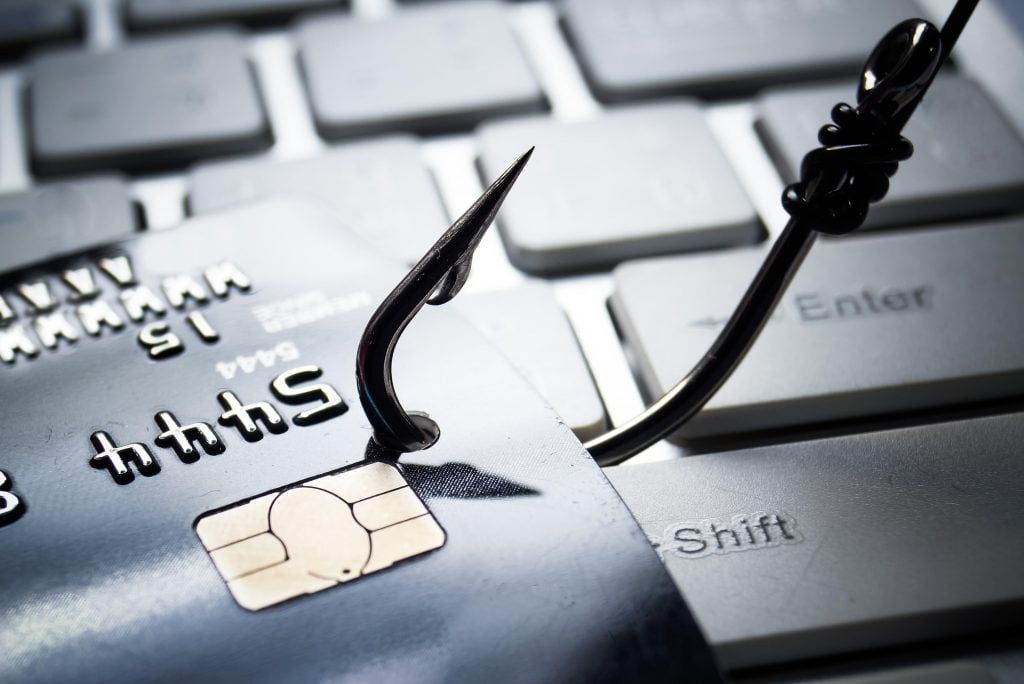
What Trending Phishing Attacks to Look Out For Organizations worldwide are challenged with the threat of targeted phishing attacks. Spear phishing and business compromise email (BEC) attacks, which we highlighted in another blog post, are two prominent forms of personalized attacks faced by many companies. In a global survey conducted by Proofpoint, which consists of data from 600 professionals in the information security industry, it was reported that social engineering attacks were becoming more common with phishing attempts being done via text messaging, social media, and USB drives. A phishing attack that seems to be trending is fake browser updates. Fake browser updates on computers can trick users into thinking they have important software updates, but instead they deceive them into downloading harmful malware. Proofpoint reports that industries that have been frequenting this issue include financial investing, education, healthcare, and manufacturing. Activists may be the target for another type of phishing attempt, which is on the rise. Scammers are setting up fake donation funds related to causes like disaster relief to attract supporters and environmentalists. Because contributors believe they are supporting a good cause, they may not question the legitimacy of them in good faith. If an email, text message, donation request, or pop-up on your computer seem even the slightest bit questionable, ask a professional. Phishing attacks are advancing with new methods, so it is important to protect yourself from becoming a victim. Contact TECHBLEED today to find out how you can protect your data, be more proactive against attacks, and avoid any tech related issues before they occur. contact@techbleed.tech4pm.com 844.777.8558 References Jentzen, A. (2020, January 30). The Latest in Phishing: First of 2020: Proofpoint US. Retrieved February 4, 2020, from https://www.proofpoint.com/us/security-awareness/post/latest-phishing-january-2020
What you Need to Know About Robocalls

What you Need to Know About Robocalls Are you getting a dozen calls a day from random numbers? Chances are they are from robocallers. Robocallers are skilled in the art of impersonating companies to extract private information from their victims with the intention of defrauding them. Robocallers scrape the dark web for information about their targets, and using this data and a conversational tone, they try to sound legitimate over the phone. To establish familiarity, they use telephone numbers that are similar to their targets. To build credibility, they associate themselves with company names people may easily recognize. Their goal is to sound convincing enough to build trust with their victims, so they can gather more relevant information. How to avoid being scammed by robocallers? Do not give out any private information to callers over the telephone. Do not share your telephone number publicly on social media. Beware of text messages that seem suspicious. Do not click links in text messages from senders you do not know. Do not be swayed by numbers similar to yours. Avoid answering calls from numbers you do not know. Can robocalls be stopped? Recently President Trump passed a measure to reduce robocalls. Phone companies will start blocking these calls at no charge before they are received by customers. Like antivirus software on a computer that is meant to block harmful malware, telephone companies will attempt to do the same. However, similar to how malware can find a way to get past protective barriers, not all robocalls can be blocked from getting through to customers. For now, robocalls cannot entirely be stopped because of cheap software that makes it possible to call people on a mass scale. Protect yourself from robocall scams by keeping personal information private and not picking up unknown numbers. Contact TECHBLEED today to find out how you can be more proactive against attacks and avoid any tech related issues before they occur. contact@techbleed.tech4pm.com 844.777.8558 References Trump signs law to reduce robocalls, though they won’t end. (2019, December 30). Retrieved from https://www.latimes.com/world-nation/story/2019-12-30/trump-signs-law-to-reduce-robocalls-though-they-wont-end
How to Prepare Your Computer For a New Year
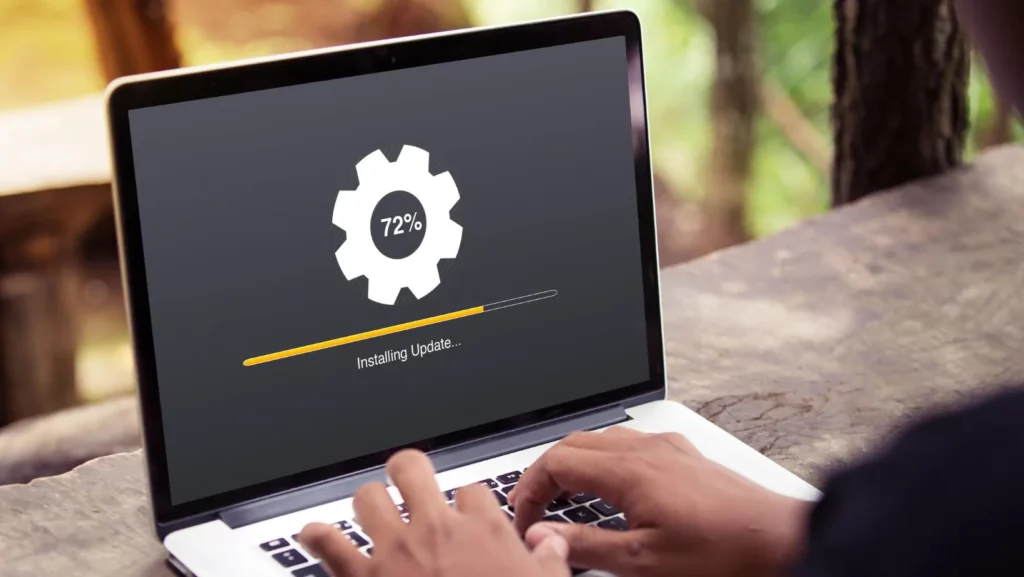
How to Prepare Your Computer For a New Year A new year means a fresh start, and what better way to start tackling resolutions than with a clean [computer] slate? Taking some time now to organize files and run necessary software updates can help your computer run efficiently throughout the year. It can be a bit overwhelming if you don’t know what steps to take, so below are some quick and easy tips to help you get started. The two important factors to keep in mind are Organization/Cleanliness and Security. Organization/Cleanliness Organize your files. Rename files you would like to keep, and store them in properly labeled folders for optimal organization. Back up files to prevent them from getting lost. Delete any duplicate files you may have. Empty the Recycle Bin. Security Update. Update. Update. Make sure you update the passwords you are using to protect yourself against potential attacks from hackers. Use complex passwords that are not easy to guess, especially for bank accounts, credit card companies, and social media. If remembering multiple passwords is difficult, try using a password manager to keep your passwords safe in one place. It is vital to keep your private information secure. Make sure permissions on your computer are correctly set by running the Utilities. In addition to updating passwords, it is important to update the software you are using to the most current version of the product. Below is a checklist of some items to keep up-to-date. Operating systems Anti-virus, anti-spyware, and anti-malware Applications Browsers Plug-Ins Games If you are unsure of how to perform any of these tasks, check with a professional before making any major adjustments on your computer. Contact us to schedule a risk-free consultation, as well as a complimentary security audit. contact@techbleed.tech4pm.com 844.777.8558